PrimeFlow is our preferred solution for business owners managing multiple retail stores. Receive daily or weekly business reports directly by email. Its focused, fast-learning interfaces make multi-store operations easy while covering the needs of the business at the same time: sales, purchasing, inventory management, real-time accounting statements including profit and loss, taxes and more, cash tracking, every payment method in every store, and company and employee document management. Build your success with PrimeFlow.
A hosted SaaS application designed around real retail operations
PrimeFlow is an online SaaS application hosted on our servers. It was shaped by years of working closely with business owners and employees at every management level, and by a precise understanding of what they need. Built for retail businesses operating one store or several stores, it gives owners a simpler way to run their locations, monitor results, control financial activity and manage company and employee documents.
BUILT FOR DAILY RETAIL WORK
Why PrimeFlow?
Eleven practical reasons designed around the way store owners, managers and employees actually work.
1. Follow the business directly from management email
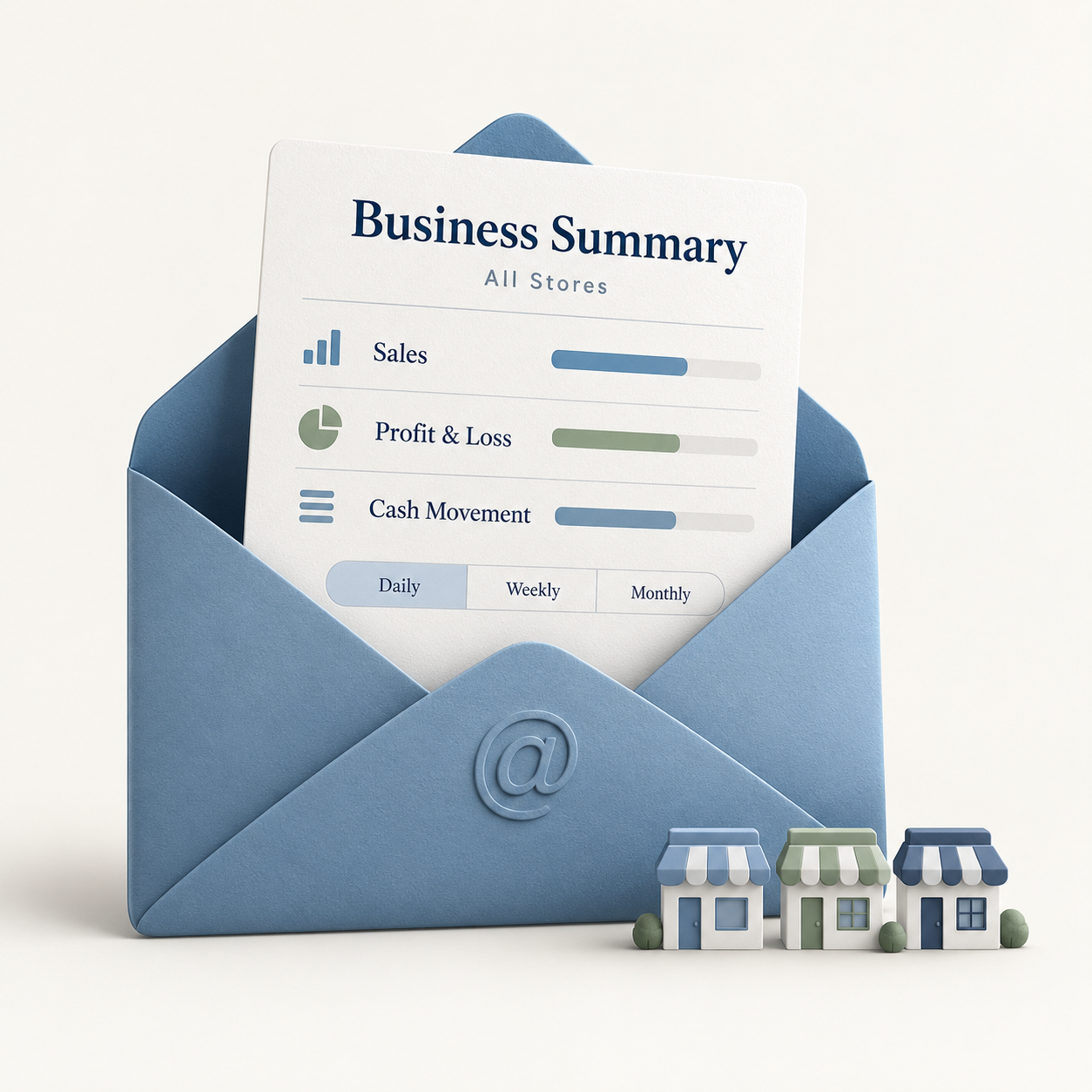
Store owners can receive business results and monitor key details directly through email without opening the application except for specific reviews. PrimeFlow can send profit and loss, sales, purchase-to-sales ratios, payment and receipt movements—especially cash—and stock movement reports on daily, weekly and monthly cycles, making several stores faster to review with a high level of useful information.
2. Set up each store in about 15 minutes
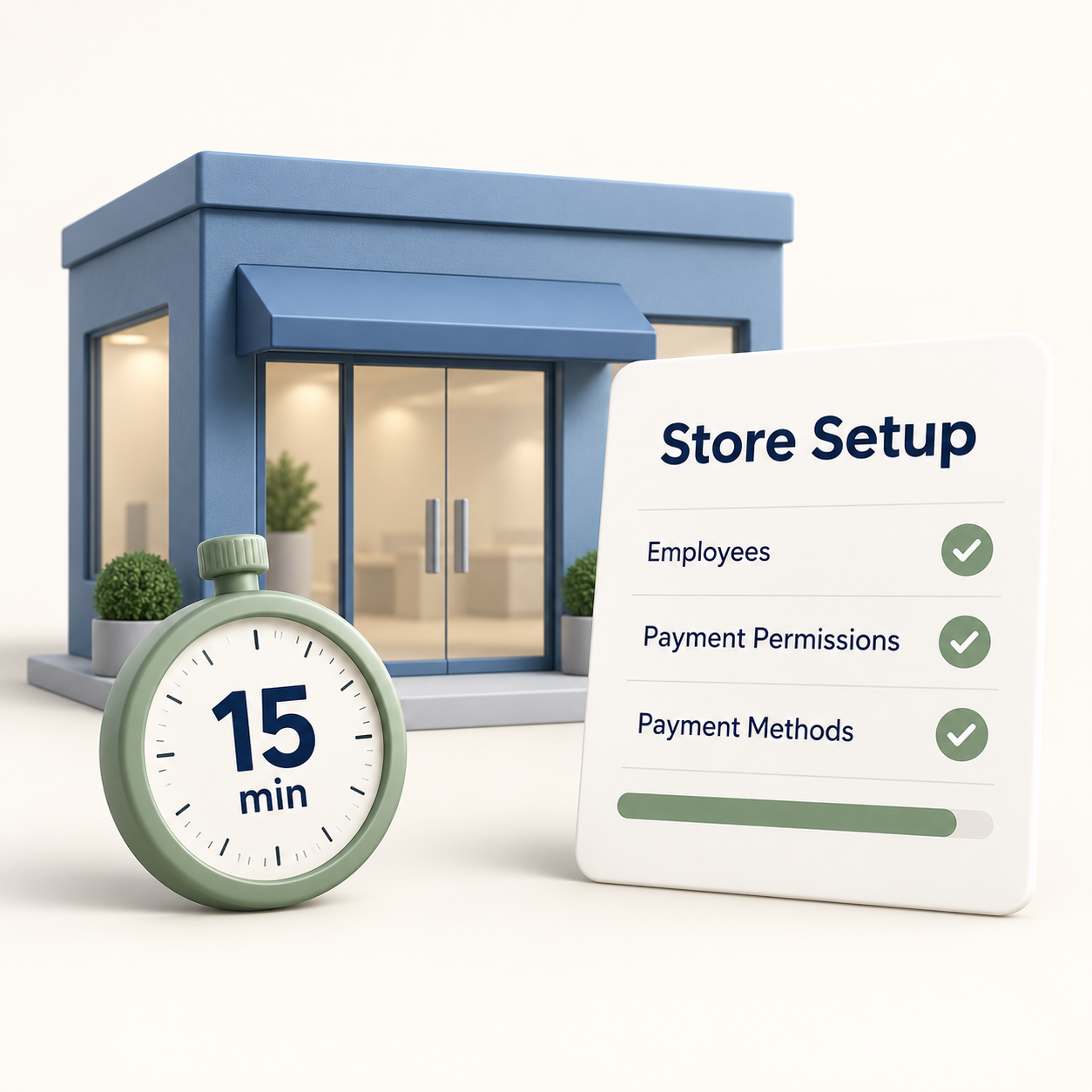
Configure employees, define who can register specific payment types, and set the receipt and payment methods used for income and expenses. The process is delivered through a super-simple guided interface with clear explanations and can be completed in about 15 minutes per store.
3. Easy to learn
PrimeFlow's focused interfaces, embedded explanations and training videos were designed after years of hands-on work with many business cases. Employees learn the daily flow quickly, while managers keep the visibility they need.
4. Clear inventory and stock control
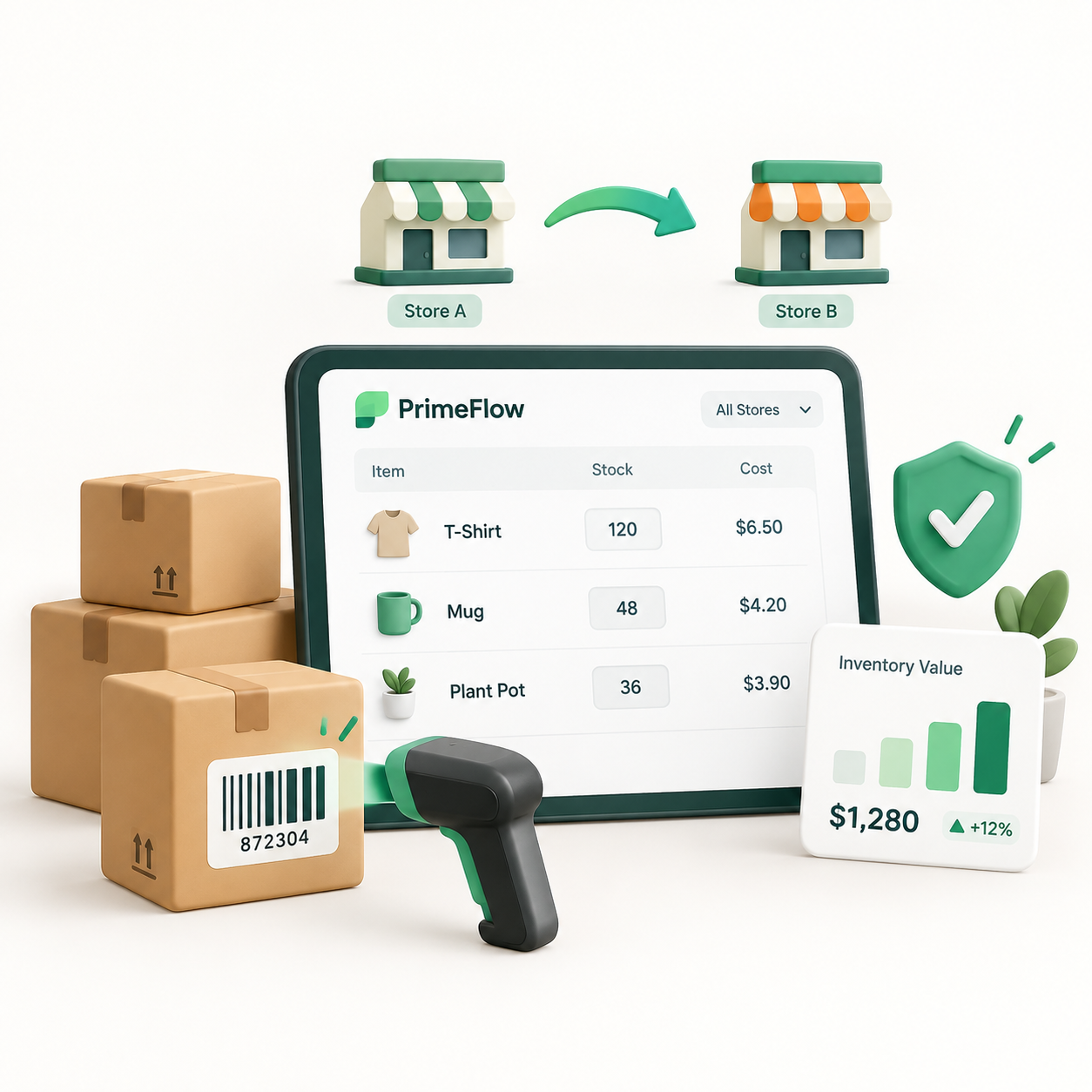
Inventory choices and commands are deliberate and easy to understand, reducing data-entry mistakes as much as possible. Stock counts and transfers between stores are simplified and barcode-enabled, quantity and cost reports stay ready, and corrections remain straightforward.
5. A fast, advanced sales window
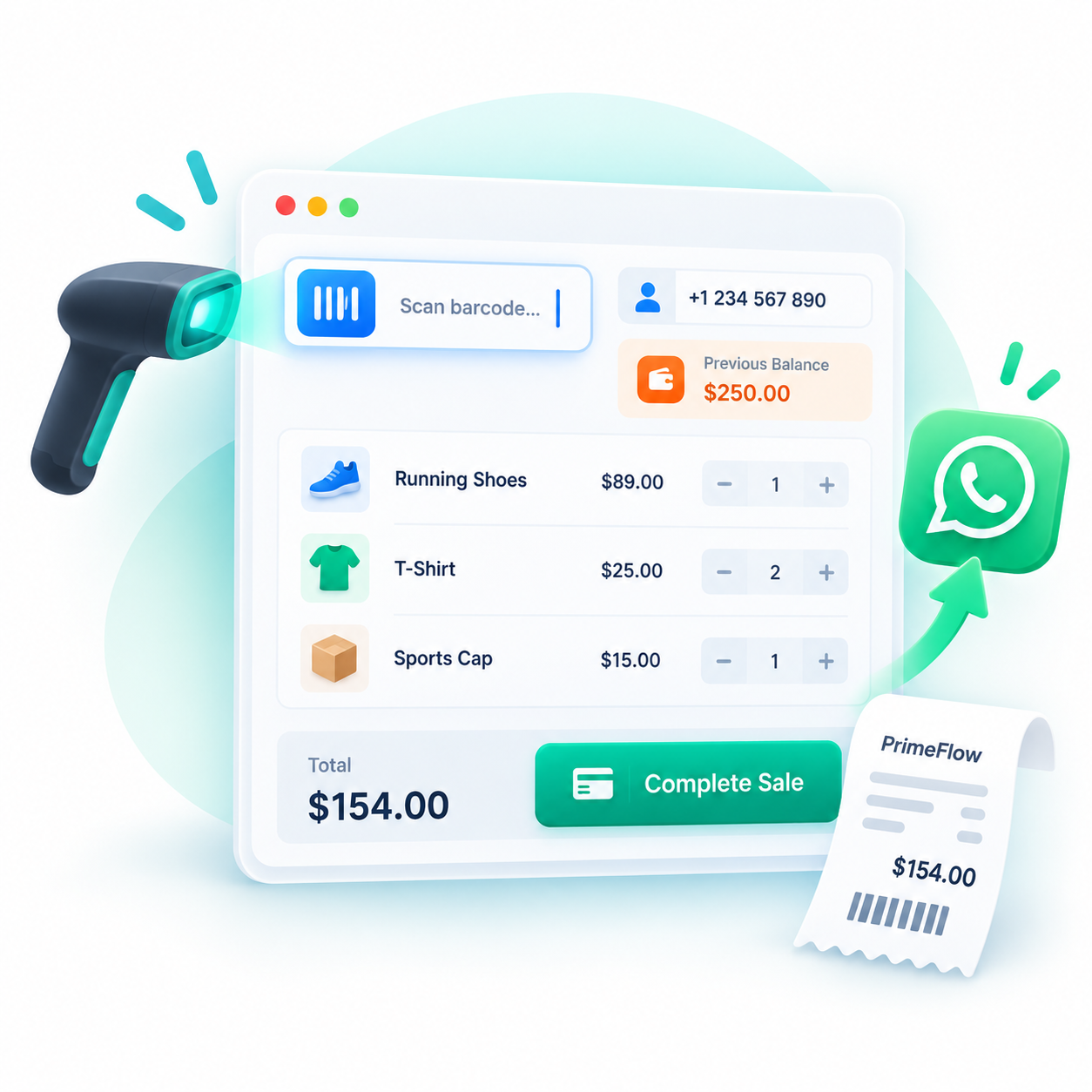
Scan a barcode or enter items manually, record the receipt and send the invoice through WhatsApp Web in one click. Printing remains supported but optional. Start a new transaction and enter the customer's phone number to bring the current balance into context, review older balances from the new invoice, and settle all or part of previous invoices together with the current invoice from one simple window.
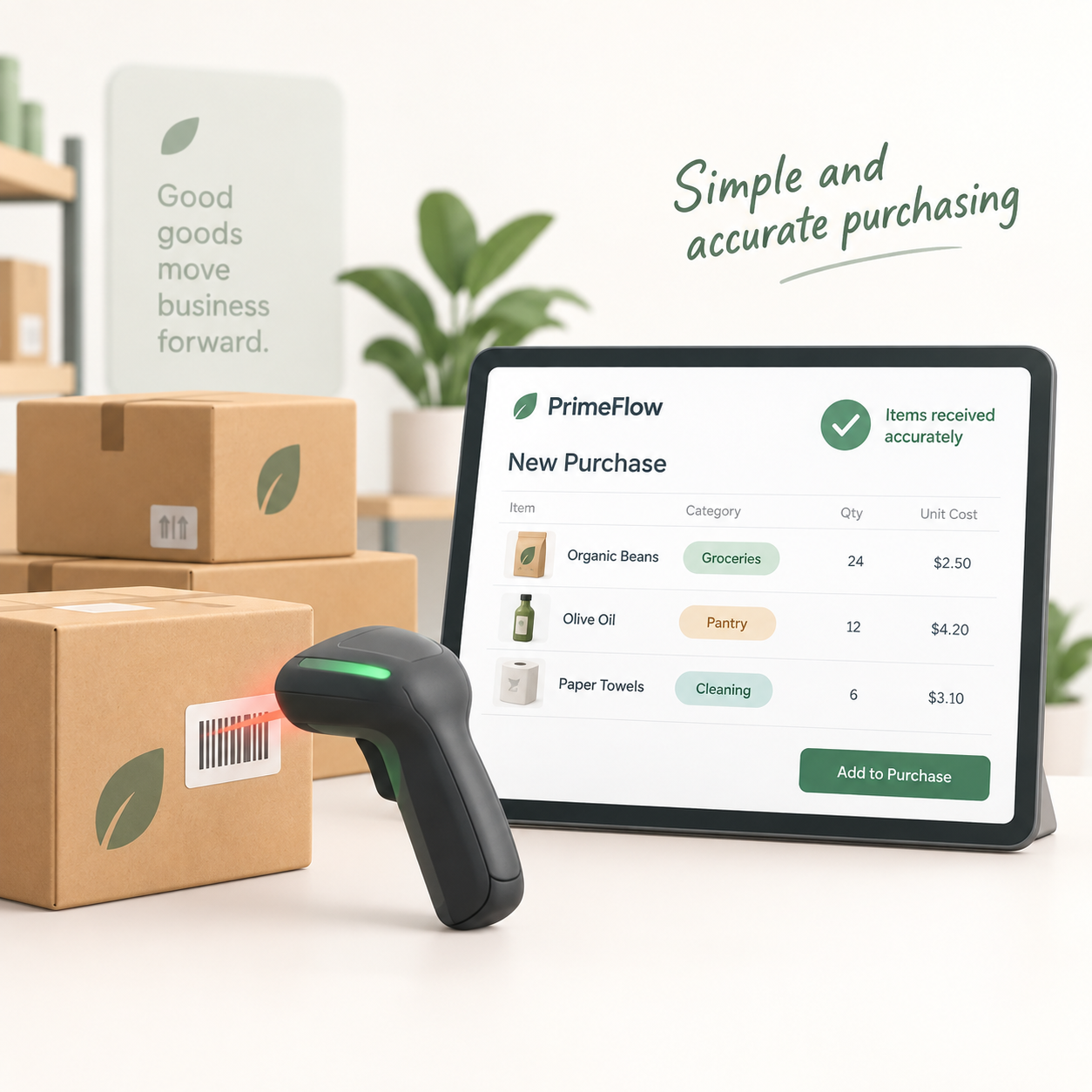
6. Simple and accurate purchasing
When new goods arrive, identify items directly by barcode while adding them to the purchase invoice and place them in the correct category. The purchasing window is designed specifically to make receiving and purchase entry accurate, quick and easy.
7. Barcode-led stock counts and corrections
Count a complete store or a selected product category by scanning barcodes, then close the count with confidence. PrimeFlow highlights items that may have been missed or reduced accidentally and makes correcting a counting mistake fast and clear.
8. Financial statements always ready
Review tax by store, city or country in two clicks and lock the previous period to protect tax data. Profit and loss is available per store and consolidated, alongside supplier balances, cheque follow-up, trial balance, ledger and account statements.
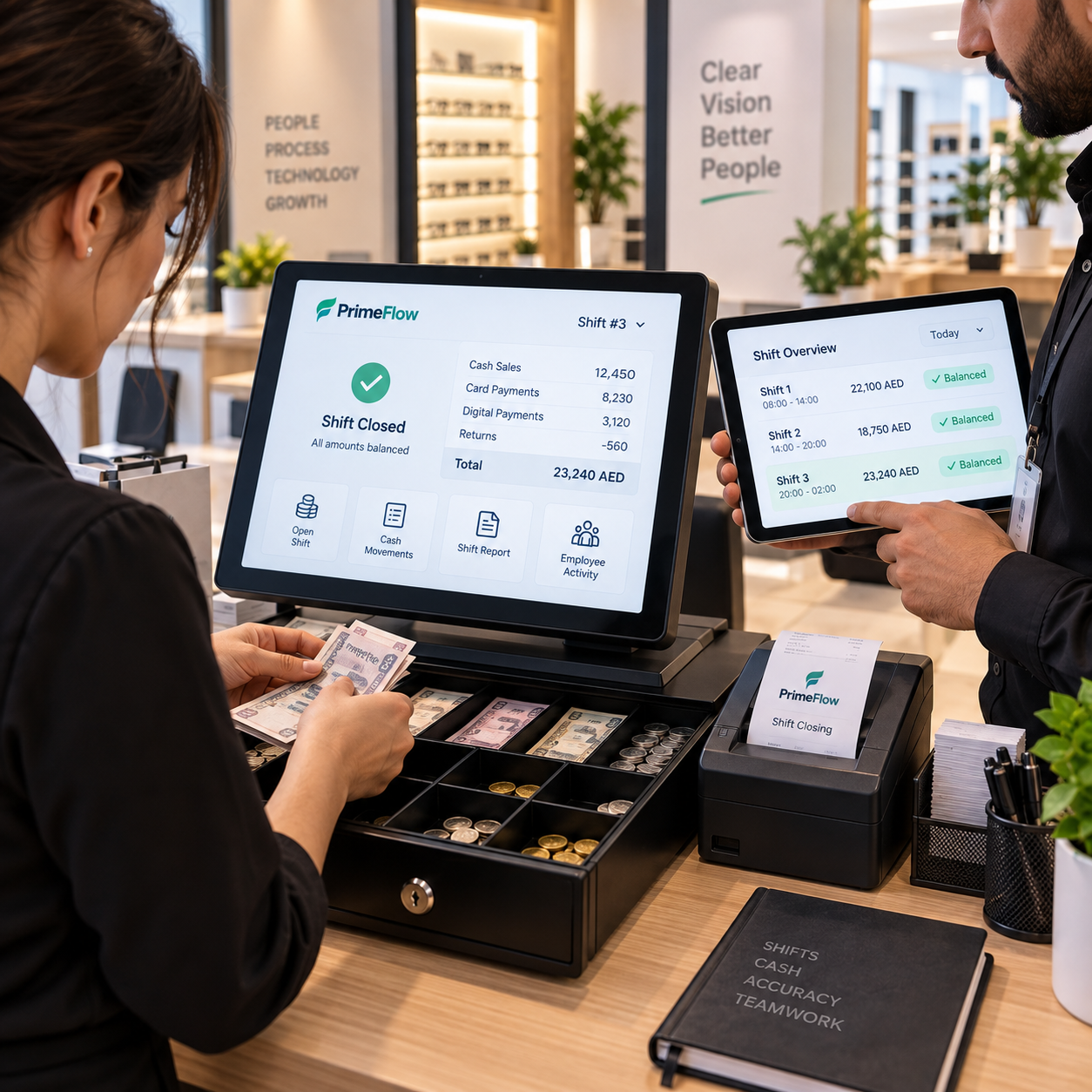
9. Stronger cash control through shifts
The shift system gives management visibility into cash movement during every shift and gives employees a transparent, controlled way to identify and correct their mistakes with management.
10. A dedicated accounting auditor view
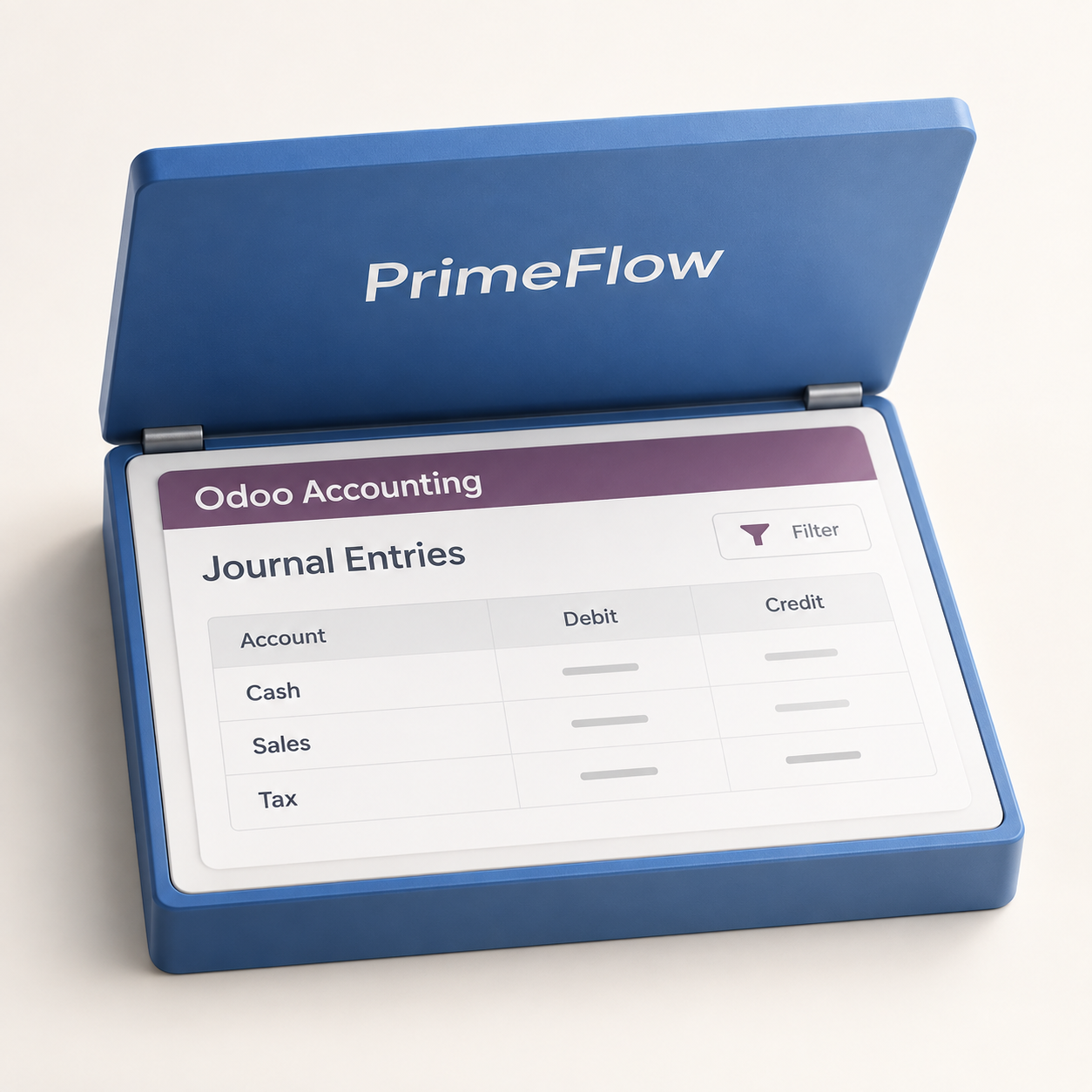
PrimeFlow automates the accounting backend for sales and purchase invoices, stock differences, cash, bank, Tabby, Tamara, insurance-company accounts and more. For daily operations this reduces the need for a large accounting department, while an auditor can still access the Odoo Community accounting backend to review balances, validate accounts and prepare corporate-tax declaration schedules.
11. Company and employee document follow-up
The Documents module lets owners upload, classify and search store, company and employee documents, organize them by category and record expiry dates. Weekly email reminders identify documents due for renewal within the next month or chosen horizon, while the simple interface makes a file easy to find or share through WhatsApp.
YOUR NEXT STEP
Start with PrimeFlow
Choose the package that fits your business, or book a guided demonstration around your stores and workflows.
S
Subscribe to PrimeFlow
Choose the package that fits your business and begin your guided onboarding.
Review the documents that govern your privacy and subscription before you begin. PrimeFlow keeps the operative versions with the secure portal so the terms remain connected to the services they govern.
S
Subscription agreement
Review the current subscription terms, version and effective date used by the live onboarding and acceptance flow.